Send enquiry ⏎

Adobe After Effects Online Live Class by Experts

Our Training/Internship Process

Adobe After Effects Online Live Classes in Versailles | Free Demo Training

Adobe After Effects - Syllabus, Fees & Duration

MODULE 1: Fundamentals of Motion Graphics

  • RGB Color Model
  • Frame Size
  • Resolution
  • Pixel Aspect Ratio
  • Alpha Channels
  • Frame Rate
  • Time Code
  • Interpreting Footage

MODULE 2: Getting to Know the Workflow

  • How After Effects Works
  • Overview of panels
  • Creating a project and importing footage
  • Creating a composition and arranging layers
  • Adding effects and modifying layer properties
  • Animating the composition
  • Previewing your work
  • Optimizing performance in After Effects
  • Customizing workspaces
  • Controlling the brightness of the user interface
  • Finding resources for using After Effects

MODULE 3:Creating a Basic Animation Using Effects and Presets

  • Importing footage using Adobe Bridge
  • Importing video clips
  • Importing stills
  • Importing a sequence of stills (interpreting)
  • Importing multilayered photoshop and illustrator files
  • Creating a new composition
  • Applying effects to a layer
  • Changing parameters globally
  • Creating keyframes
  • Keyframe interpolation: auto, continuous, and Bezier interpolation
  • Temporal and spatial Interpolation
  • Roving in time for spatial properties
  • Creating and applying an animation preset
  • Previewing your work

MODULE 4:Working With Masks

  • About masks
  • Creating a mask with the Pen tool
  • Editing a mask
  • Feathering the edges of a mask
  • Replacing the content of the mask
  • Mask interpolation
  • Using masks from Illustrator and Photoshop
  • Masks for spatial keyframes

MODULE 5:Animating Text

  • About text layers
  • Creating and formatting point text vs paragraph text
  • Using a text animation preset
  • Text on a path
  • Animating imported Photoshop text
  • Animating text using a path animation preset
  • Using a text animators
  • Adding properties
  • Adding a range selector
  • Using a text animator group

MODULE 6: Working with Shape Layers

  • Adding a shape layer
  • Creating custom shapes
  • Creating stars
  • Default properties of shape layers
  • Add properties
  • Creating Groups
  • Stack your shapes & properties
  • Using Brainstorm to experiment

MODULE 7: Other Effects

  • Time remapping
  • Motion sketch
  • The smoother
  • The wiggler
  • Auto orient
  • Splitting a layer
  • Adjustment layers
  • The effects and presets panel

MODULE 8: Distorting Objects with the Puppet Tools

  • About the Puppet tools
  • Adding Deform pins
  • Defining areas of overlap
  • Stiffening an area
  • Animating pin positions
  • Recording animation

MODULE 9: Rendering and Output

  • Creating templates for the Render Queue
  • Exporting using the Render Queue
  • Rendering movies with Adobe Media Encoder

MODULE 10: Transfer Controls

  • Understanding Layer Blending Modes and how to change those using shortcuts
  • Using Track Mattes
  • Understanding precomposing and nesting
  • Stencil and Silhouette
  • Preserve Transparency

Download Syllabus - Adobe After Effects
This syllabus is not final and can be customized as per needs/updates
   
10000+
20+
50+
25+

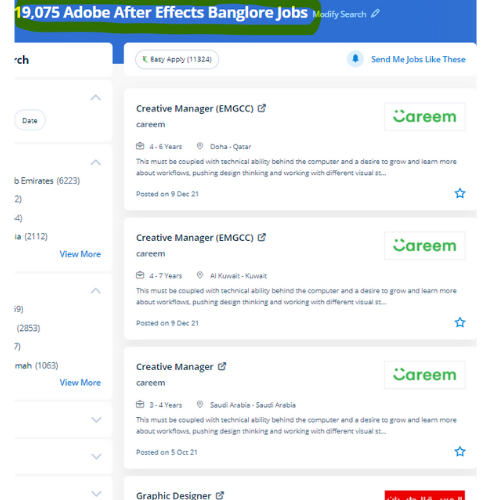
Adobe After Effects Jobs in Versailles

Enjoy the demand

Find jobs related to Adobe After Effects in search engines (Google, Bing, Yahoo) and recruitment websites (monsterindia, placementindia, naukri, jobshybrid.com, indeed.co.in, shine.com etc.) based in Versailles, chennai and europe countries. You can find many jobs for freshers related to the job positions in Versailles.

  • 3D Interior Designer
  • Graphic Designer
  • Motion Graphics Designer
  • UI/UX Trainer
  • Freelance Graphic Designer
  • After Effects Trainer
  • After Effects Editor
  • Motion Video Editor
  • Video Editing Trainer
  • 2d Motion Designer

Adobe After Effects Internship/Course Details

Adobe After Effects internship jobs in Versailles
Adobe After Effects one of the most features is it is used for editing graphics inside the video, usually oriented to special effects and animations and it's it has a variety of plugins designed by third parties therefore which might facilitate to cut back work. to apply effects after the footage has been edited, or to make animation and motion graphics from otherwise static objects this program will be used effectively. Our live training session can assist you not only raise your data but conjointly adding more volume to your resume. The Adobe After Effects course Intermediate and Adobe after Effects – High-level training Course is meant for videographers, graphic artists, and animators with basic level Adobe After Effects experience. After Effects is the most generally used kind of animation in motion graphics. Nestsoft's live online After Effects Courses assist you to learn advanced After Effects topics such as chroma keying, motion tracking, rotoscoping, VFX, and motion design. although it will do these items, it is not similar to a movie editing program. Why is Adobe After Effects are best?: It will handle complicated animations Create video game Effects. Interested candidates might register in our Adobe once Effects coaching course. .


Meet a Few of our Industry Experts 🚀 Your Pathway to IT Career

Akansha

Mobile: +91 9895490866
Location: Online (Versailles, France)
Qualification: MCA

Experience: I have done 3 months of internship as a web developer in techsynric technologies Also I have sone MCA with  more..

Neeraj

Mobile: +91 91884 77559
Location: Online (Versailles, France)
Qualification: Mca

Experience: Laravl php jquery html css 3+Application for PHP Laravel  more..

Aneesh

Mobile: +91 98474 90866
Location: Online (Versailles, France)
Qualification: B. Tech

Experience: Handson experience with odoo v13 14 15 16 capable of designing developing and maintaining enterprise application   more..

Murali

Mobile: +91 91884 77559
Location: Online (Versailles, France)
Qualification: Bsc computer science

Experience: Fresher Web design i know   more..

sona

Mobile: +91 89210 61945
Location: Online (Versailles, France)
Qualification: Bsc computer science

Experience: Angular react n odejs mongoDB html&css i completed my intershi courseApplication for Meanstack Developer Mean Stack  more..

Nishant

Mobile: +91 94975 90866
Location: Online (Versailles, France)
Qualification: B. Tech (3rd year)

Experience: Im Inclined towards penetration testing but have also completed internship under godrej group ltd in the SOC team Worked on  more..

Rajesh

Mobile: +91 91884 77559
Location: Online (Versailles, France)
Qualification: M.Tech

Experience: Having rich exp over 10 years on selenium with Java API automation using REST ASSURED mobile testing database testing  more..

AKash

Mobile: +91 91884 77559
Location: Online (Versailles, France)
Qualification: B.Tech in CSE-AI/ML

Experience: I am Akash Meruva currently pursuing a Computer Science degree at SRM University AP I am specialized in the exciting  more..

Priyanka

Mobile: +91 98474 90866
Location: Online (Versailles, France)
Qualification: Bachelor’s of Engineering

Experience: Having 2 5 year of experience with software developer   more..

Suraj

Mobile: +91 94975 90866
Location: Online (Versailles, France)
Qualification: B.Tech

Experience: Hi I’m a MERN Stack developer looking for an opportunity to gain experience and work on real world projects I  more..

Sanghavi

Mobile: +91 91884 77559
Location: Online (Versailles, France)
Qualification: B.E

Experience: Aws kubernetes jenkins docker ansible oracle sql core java  more..

Nishant

Mobile: +91 89210 61945
Location: Online (Versailles, France)
Qualification: M.c.a,ccna,ccnp,firewall

Experience: Ccna ccnp security firewall jncia |   more..

Infant

Mobile: +91 91884 77559
Location: Online (Versailles, France)
Qualification: B. E. CSE

Experience: nearly 1 year of experience in odoo python development worked in Product pricelist items and Xero Odoo Integration   more..

Sidharth

Mobile: +91 91884 77559
Location: Online (Versailles, France)
Qualification: B tech

Experience: Manual testing Good in test case writing Well knowledge in integration and regression testing Java basics  more..

KHAJARAFI

Mobile: +91 94975 90866
Location: Online (Versailles, France)
Qualification: mca

Experience: This is khajarafi Shaik having 8+experience as a TechnicalTrainer I can able to deliver the training on Corejava Advjava Struts  more..

VAIBHAV

Mobile: +91 91884 77559
Location: Online (Versailles, France)
Qualification: B Tech

Experience: I have experience of working in php mysql for 10 years ang would like to share my knowledge  more..

Sujeet

Mobile: +91 91884 77559
Location: Online (Versailles, France)
Qualification:

Experience: HTML CSS Javascript bootstrap java python django react js  more..

Sherin

Mobile: +91 89210 61945
Location: Online (Versailles, France)
Qualification: B com

Experience: I am a mern stack developer with good understanding of the work I do and do it thoroughly and fastly  more..

Vinod

Mobile: +91 91884 77559
Location: Online (Versailles, France)
Qualification: Btech

Experience: - Azure fundamentals - Virtual Machines - Azure App Service - Azure Storage - Azure Active Directory - Azure subscriptions  more..

Rajkumar

Mobile: +91 91884 77559
Location: Online (Versailles, France)
Qualification: MBA

Experience: Software testing in 4 7 years experience of selenium automation testing tool   more..

Harshalkumar

Mobile: +91 89210 61945
Location: Online (Versailles, France)
Qualification: ME

Experience: Angular front end development Javascript HTML CSS Bootstrap  more..

Sanu

Mobile: +91 89210 61945
Location: Online (Versailles, France)
Qualification: Graduation On Going

Experience: I have 3+ years of experience in web design field In Web I Know Html CSS JavaScript jQuery Bootstrap Framework  more..

Sai

Mobile: +91 89210 61945
Location: Online (Versailles, France)
Qualification: Btech

Experience: Conducted regular code reviews to ensure adherence to coding standards and best practices resulting in improved code quality and collaboration  more..

Josiya

Mobile: +91 8301010866
Location: Online (Versailles, France)
Qualification: BCOM Finance

Experience: 1 year experience in Social media handling Content writing Proof reading Manual software testing MS Office   more..

Success Stories

The enviable salary packages and track record of our previous students are the proof of our excellence. Please go through our students' reviews about our training methods and faculty and compare it to the recorded video classes that most of the other institutes offer. See for yourself how TechnoMaster is truly unique.

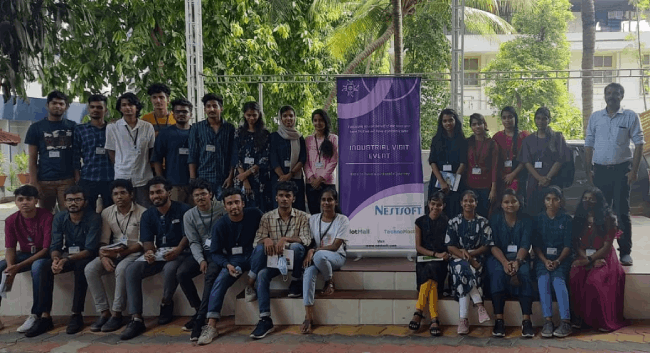
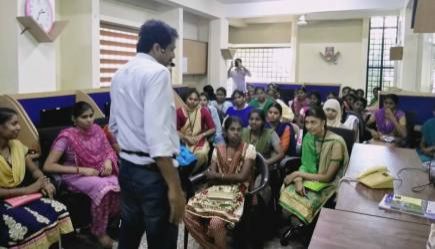
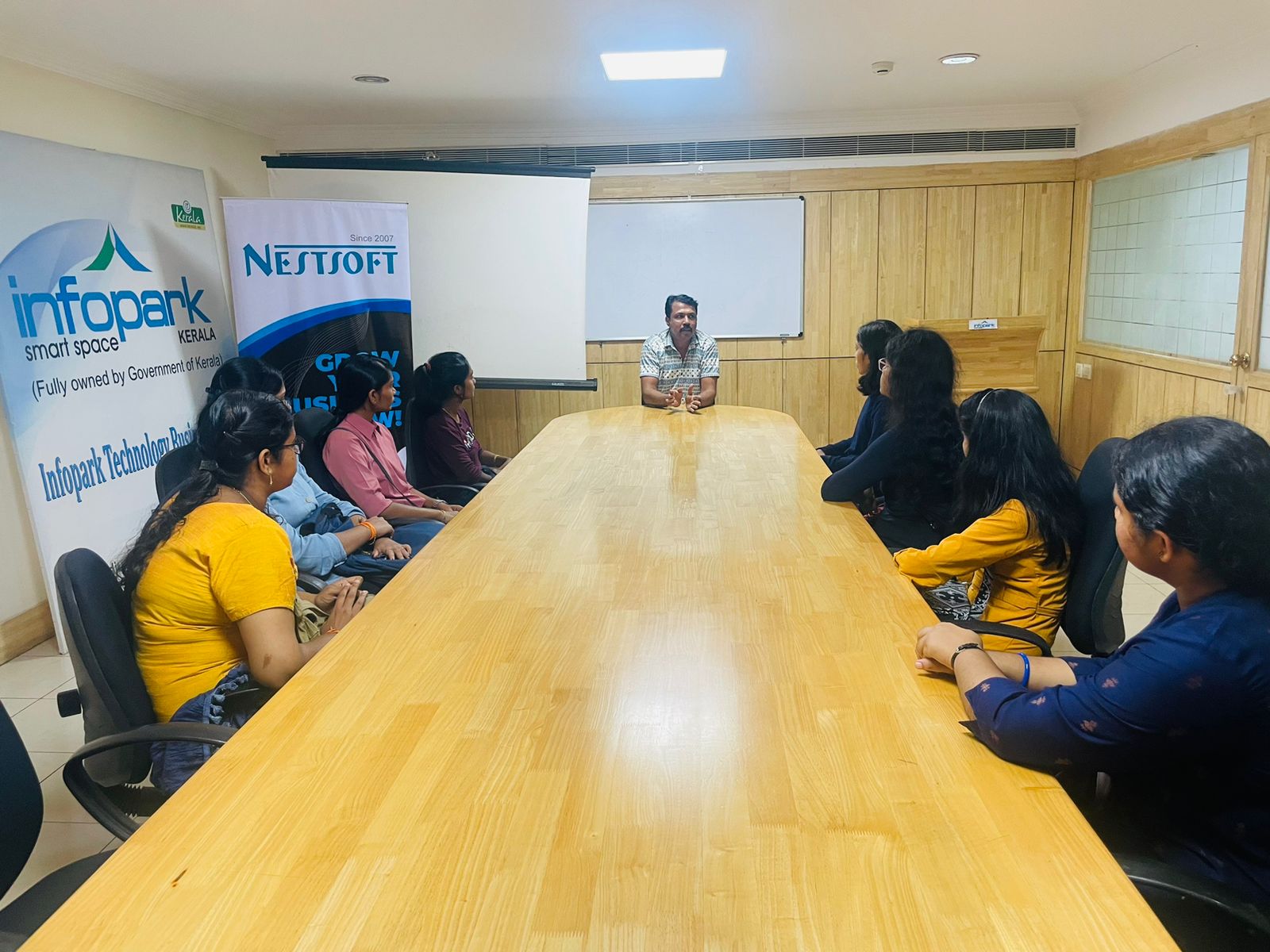
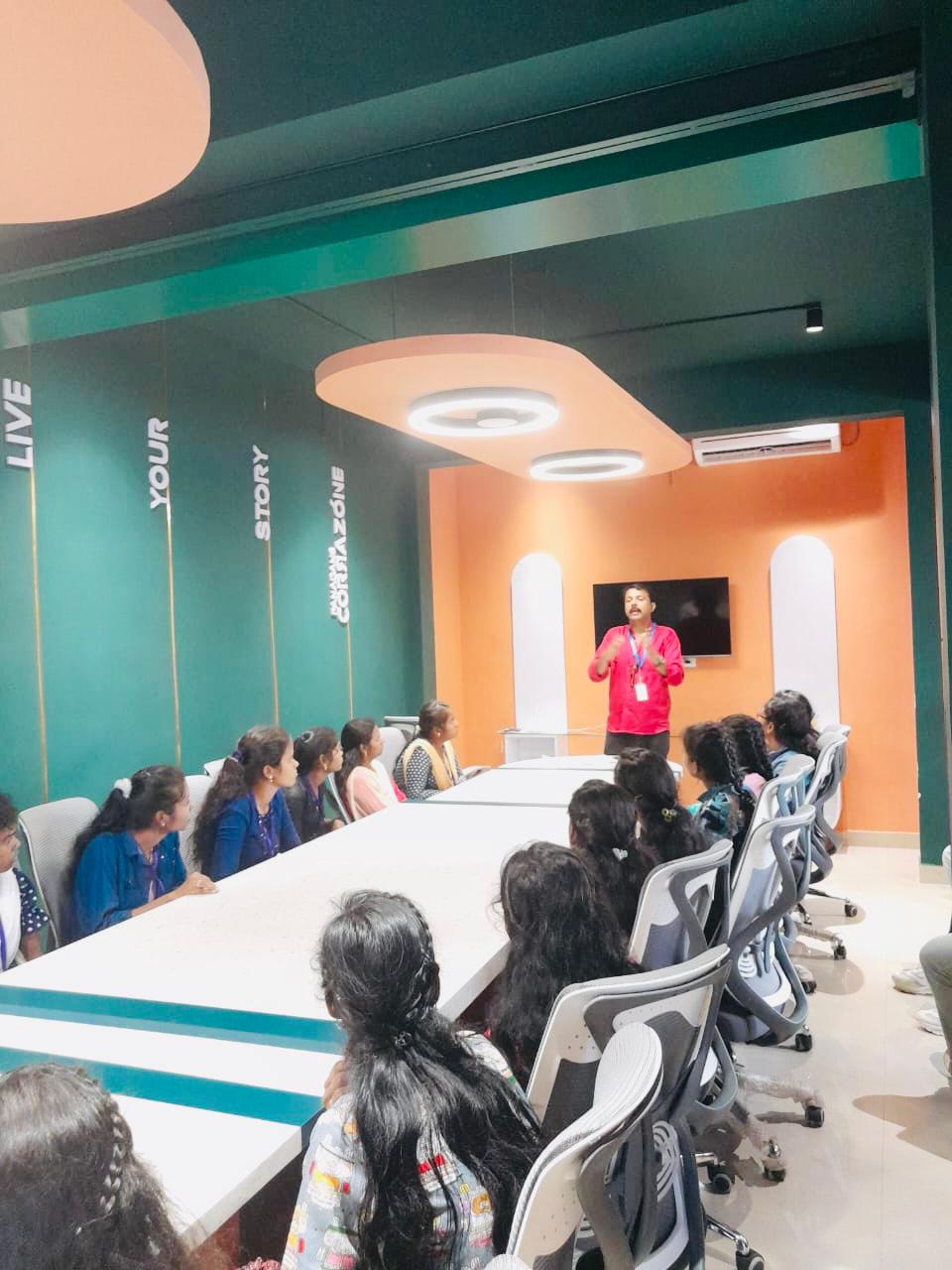
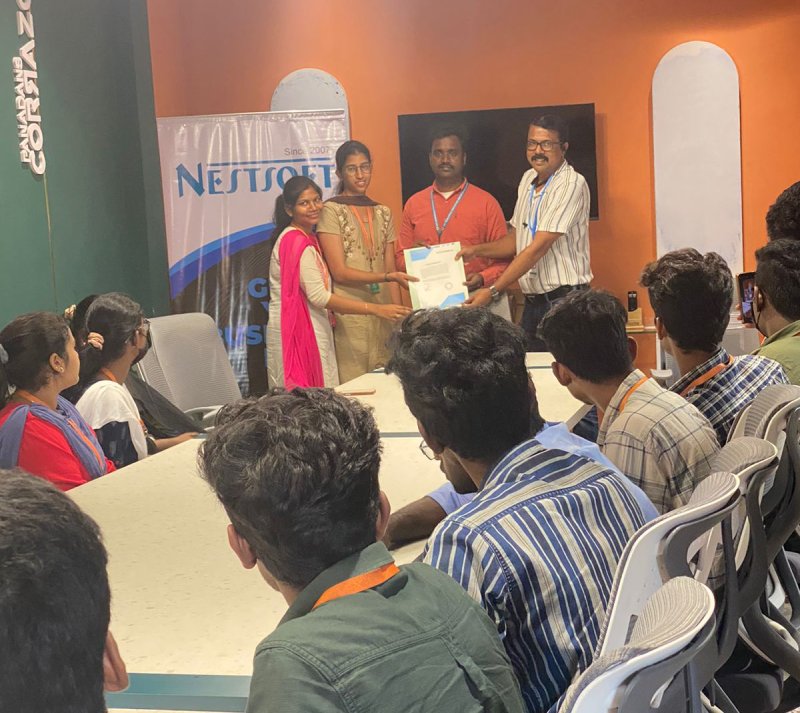
Photos of Training / Internships

Internship/projects in versailles

Trained more than 10000+ students who trust Nestsoft TechnoMaster

Get Your Personal Trainer