Send enquiry ⏎

UI/UX Design Online Live Class by Experts

Our Training/Internship Process

UI/UX Design Online Live Classes in Versailles | Free Demo Training

UI/UX Design - Syllabus, Fees & Duration

Figma Syllabus (15 Hours)

      Module 1: Figma Fundamentals (3 Hours)

        Introduction to Figma

      • Understanding the Figma interface and tools.
      • Layers, frames, and pages.
      • Shapes, text, and alignment.

        Design Basics

      • Color theory and typography basics.
      • Grids and layout principles.
      Module 2: Prototyping with Figma (3 Hours)

        Wireframing Basics

      • Creating low-fidelity wireframes for mobile and web apps.

        Prototyping Features

      • Adding interactions and transitions.
      • Clickable prototypes for user testing.
      Module 3: Mobile App Design Project (4 Hours)

        Designing a Mobile App

      • Screens for a sample app (e.g., task manager or food delivery).
      • Login, home, and profile pages.

        Components and Variants

      • Reusable buttons, icons, and cards.
      • Typography and color styles.

        Prototyping and Feedback

      • Linking screens and testing navigation.
      Module 4: Web App Design Project (5 Hours)

        Designing a Web App

      • Landing page, login screen, and dashboard for a web app.
      • Auto-layout for responsive designs.

        Final Prototype

      • Responsive breakpoints for desktop, tablet, and mobile.
      • Functional prototype with interactions.
    Web Development Syllabus (15 Hours)
      Module 1: HTML, CSS, and Bootstrap Basics (5 Hours)

        HTML Fundamentals (2 Hours)

      • Structuring web pages (header, footer, sections).
      • Essential tags: headings, lists, images, and links tables etc..

        CSS Basics (2 Hours)

      • Styling text and layout using CSS.
      • Box model, positioning, and Flexbox basics.

        Bootstrap Basics (1 Hour)

      • Setting up Bootstrap in a project.
      • Grid system and responsive layouts.
      • Common components: navbar, buttons, and cards.
      Module 2: Responsive Landing Page Conversion (5 Hours)

        Figma to Code Workflow (2 Hours)

      • Importing Figma designs for reference.
      • Structuring HTML and CSS with Bootstrap.

        Responsive Design (3 Hours)

      • Using media queries and Bootstrap utilities.
      • Creating a responsive navigation bar and hero section.
      • Ensuring design consistency with the Figma prototype.
      Module 3: Interactivity with JavaScript & Advanced Bootstrap (3 Hours)

        JavaScript Basics

      • Adding interactivity with JavaScript (e.g., form validation).
      • Bootstrap JavaScript components: modals, dropdowns, and carousels.

        CSS Animations & Transitions

      • Enhancing visuals with hover effects and animations.
      Module 4: Final Project and Deployment (2 Hours)

        Final Project: Responsive Landing Page

      • Convert a complete Figma design into a functional landing page.
      • Use Bootstrap and JavaScript for responsiveness and interactivity.

        Hosting and Deployment

      • Publish the project online using GitHub Pages or Netlify.
      Deliverables

        Figma:

      • Prototyped mobile app and web app designs.

        Web Development:

      • Fully responsive landing page with Bootstrap and interactivity.
      • Hosted live project link.

Download Syllabus - UI/UX Design
This syllabus is not final and can be customized as per needs/updates
   
10000+
20+
50+
25+

UI/UX Design Jobs in Versailles

Enjoy the demand

Find jobs related to UI/UX Design in search engines (Google, Bing, Yahoo) and recruitment websites (monsterindia, placementindia, naukri, jobshybrid.com, indeed.co.in, shine.com etc.) based in Versailles, chennai and europe countries. You can find many jobs for freshers related to the job positions in Versailles.

  • ui designer
  • ux designer
  • ui/ux designer
  • ui/ux developer
  • graphic designer
  • multimedia creator
  • photoshop
  • adobe illustrator
  • web design
  • html developer

UI/UX Design Internship/Course Details

UI/UX Design internship jobs in Versailles
UI/UX Design Our core features of the bootstrap training in Dubai includes: Design layouts adhering to a fluid grid Understand how the HTML, CSS and JavaScript components of Bootstrap work Customise a Bootstrap installation Optimise a Bootstrap design for target device features Create responsive images and graphics . Our live online classes are a friendly and supportive alternative to looking at video tutorials – you’re ready to ask queries and receive answers from a skilled Nestsoft tutor in real time. Anatomy of a CSS ruleset Selecting multiple elements Different types of a selector Fonts and text Boxes, boxes, it’s all about boxes Changing the page color Sorting the body out Positioning and styling our main page title Centering the image Backgrounds and Borders Image values and replaced Content Text Effects 2D/3D Transformations Animations Multiple Column Layout User Interface . concepts such as clusters, variables, operators, functions, and control structure in JavaScript Demonstrable knowledge of Functions - Passing the data to functions, JavaScript Function Syntax, Concise Body syntax, Return Keyword, and ES6 arrow functions basics of jQuery that assist you to boost your skills in Scriptwriting. Using Adobe Photoshop can allow you to design and discover something you want. Get acquainted with the JavaScript Libraries solid understanding of Conditionals - else, if, if-else, ternary syntax, and switch for controlling the flow of the program in the Javascript. knowledge of arrays and know-how of the data structure of the JavaScript is used for storing the data lists. This course is for intermediate users that need to learn more advanced tools in InDesign. Photoshop is incredibly accurate for bitmap colorwork, which is the foundation of each digital and print production. Photoshop may be a powerful and widespread image editing software that helps you to apply numerous effects easily and acquire consistent results.


Meet a Few of our Industry Experts 🚀 Your Pathway to IT Career

Abhishek

Mobile: +91 98474 90866
Location: Online (Versailles, France)
Qualification: BCA

Experience: C++ programming Html Css SQL Udemy Certified AWS Cloud practitioner   more..

V

Mobile: +91 98474 90866
Location: Online (Versailles, France)
Qualification: B tech

Experience: Android developer 5 year Kotlin e year Mvvm 2 years  more..

Naga

Mobile: +91 89210 61945
Location: Online (Versailles, France)
Qualification: MCA

Experience: I am capable of doing plugin customisation plugin development block development theme creation in WordPress  more..

Vijay

Mobile: +91 8301010866
Location: Online (Versailles, France)
Qualification: Graduate

Experience: I am certified Odoo developer working since past 10 years   more..

Ann

Mobile: +91 9895490866
Location: Online (Versailles, France)
Qualification: Btech

Experience: 5 5 years of experience in seo content creation and digital marketing   more..

Abhishek

Mobile: +91 91884 77559
Location: Online (Versailles, France)
Qualification: int mtech

Experience: 2 years of work experience in frontend angular development currently working in payment gateway systemsApplication for Angular JS  more..

Anupama

Mobile: +91 8301010866
Location: Online (Versailles, France)
Qualification: BSc Computer Science

Experience: Software testing functional testing api testing  more..

Pavan

Mobile: +91 91884 77559
Location: Online (Versailles, France)
Qualification: B. E

Experience: I am right now working on real time project and language used are angular 5 and node js Application for  more..

Sanjay

Mobile: +91 89210 61945
Location: Online (Versailles, France)
Qualification: BCom

Experience: UI design and development UX design UX research prototyping wireframing Visual design front end development created websites and landing pages  more..

Anjima

Mobile: +91 8301010866
Location: Online (Versailles, France)
Qualification: B.tech

Experience: I know programming languages like c c++ HTML5 CSS Javascript SQL I done the website template using HTML5 and CSS  more..

Adinath

Mobile: +91 91884 77559
Location: Online (Versailles, France)
Qualification: 12 sci pass

Experience: 2 years billing And marketing Graphic design |   more..

Abdul

Mobile: +91 9895490866
Location: Online (Versailles, France)
Qualification: BCA

Experience: Java developer fresher   more..

Ponnapati

Mobile: +91 8301010866
Location: Online (Versailles, France)
Qualification: B.tech

Experience: Hi I hv overall 4 year's of experience information security testing and I have more exp web applications and I  more..

Tejaswini

Mobile: +91 91884 77559
Location: Online (Versailles, France)
Qualification: BCA

Experience: Communication skill Ambitious Known with programming languages  more..

Nikhil

Mobile: +91 94975 90866
Location: Online (Versailles, France)
Qualification: Graduation

Experience: Main wordpress bahut time se use kar raha hoon aur use per Kai sari website banaa chuka hun  more..

Jobins

Mobile: +91 91884 77559
Location: Online (Versailles, France)
Qualification: MCA

Experience: Problem solving leadership communication advanced analytical thinking programming Team work Adaptability knowledge in user interface Additional skills in programming language  more..

Christy

Mobile: +91 98474 90866
Location: Online (Versailles, France)
Qualification: Graduate

Experience: I am a recent graduate with a Bachelor's degree in Computer Science and Technology Throughout my academic journey I have  more..

Trupti

Mobile: +91 94975 90866
Location: Online (Versailles, France)
Qualification: B.E in computer science

Experience: I have 1+ experience in application development skills java kotlin Android sdk rest api intergation roomdatabase and firebase   more..

Divya

Mobile: +91 98474 90866
Location: Online (Versailles, France)
Qualification: Bsc

Experience: Have 1 year experience in canva Make eye catching post for social media accounts graphic design poster making  more..

Supriya

Mobile: +91 91884 77559
Location: Online (Versailles, France)
Qualification: MSc

Experience: Software developer at Synergy5M LLP working on net as beckend developer  more..

shivani

Mobile: +91 9895490866
Location: Online (Versailles, France)
Qualification: MscIT

Experience: In total 4 years of experience as a developer 2 years as a dot net developer 2 years of Node  more..

Yogalakshmi

Mobile: +91 91884 77559
Location: Online (Versailles, France)
Qualification: B.E( Electronics and Communication Engineering)

Experience: Java Python C HTML CSS Javascript jQuery Bootstrap Selenium Automation testing using python I have 2 years of experience as  more..

Minha

Mobile: +91 9895490866
Location: Online (Versailles, France)
Qualification: Bsc electronics

Experience: Recently completed Web development diploma course  more..

Amitha

Mobile: +91 98474 90866
Location: Online (Versailles, France)
Qualification: MCA

Experience: Programming languages known like python HTML mysql c c++  more..

Success Stories

The enviable salary packages and track record of our previous students are the proof of our excellence. Please go through our students' reviews about our training methods and faculty and compare it to the recorded video classes that most of the other institutes offer. See for yourself how TechnoMaster is truly unique.

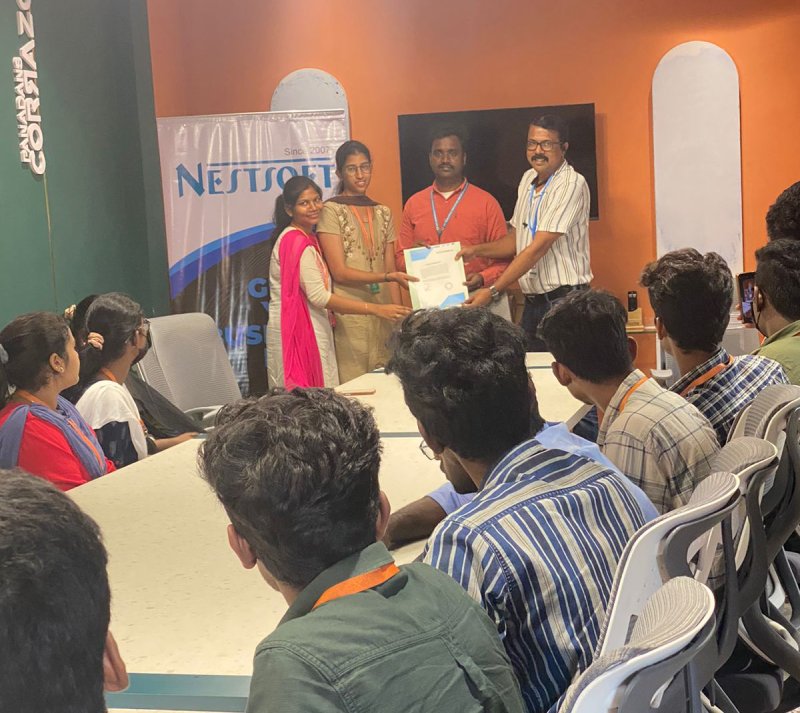
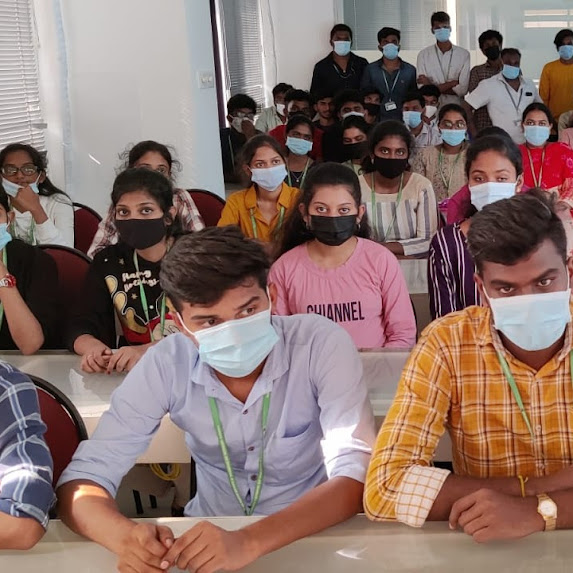
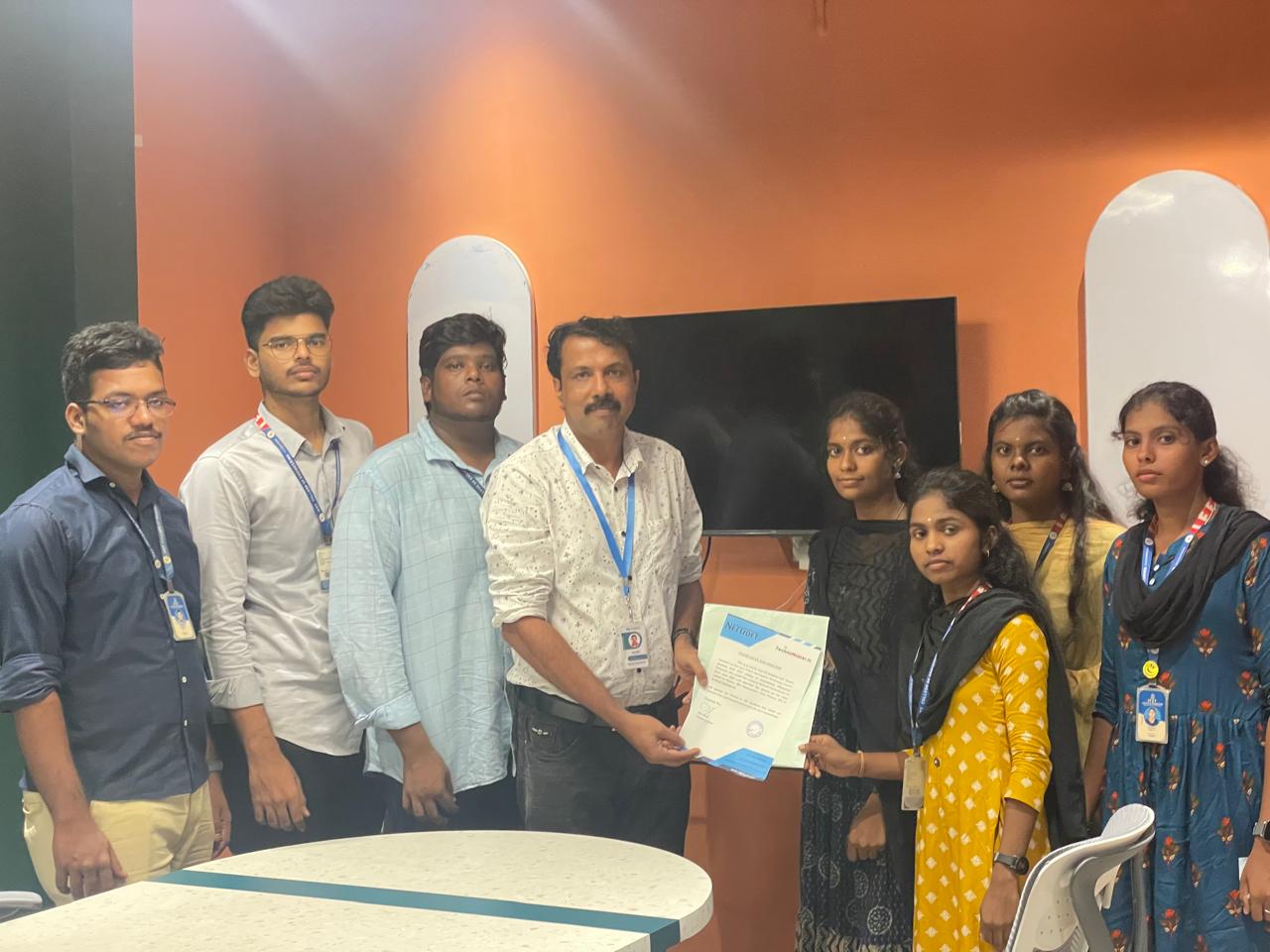
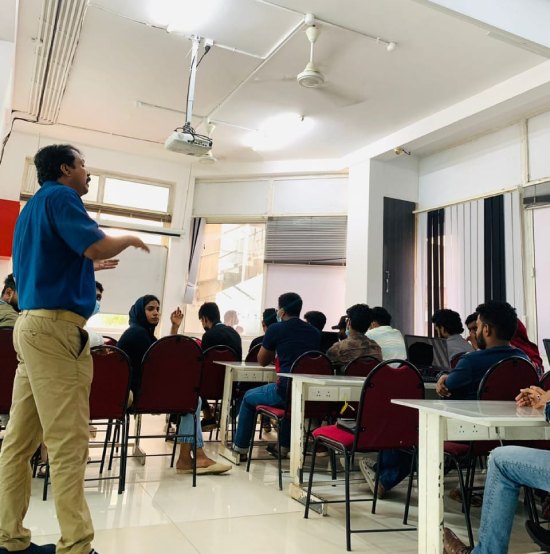
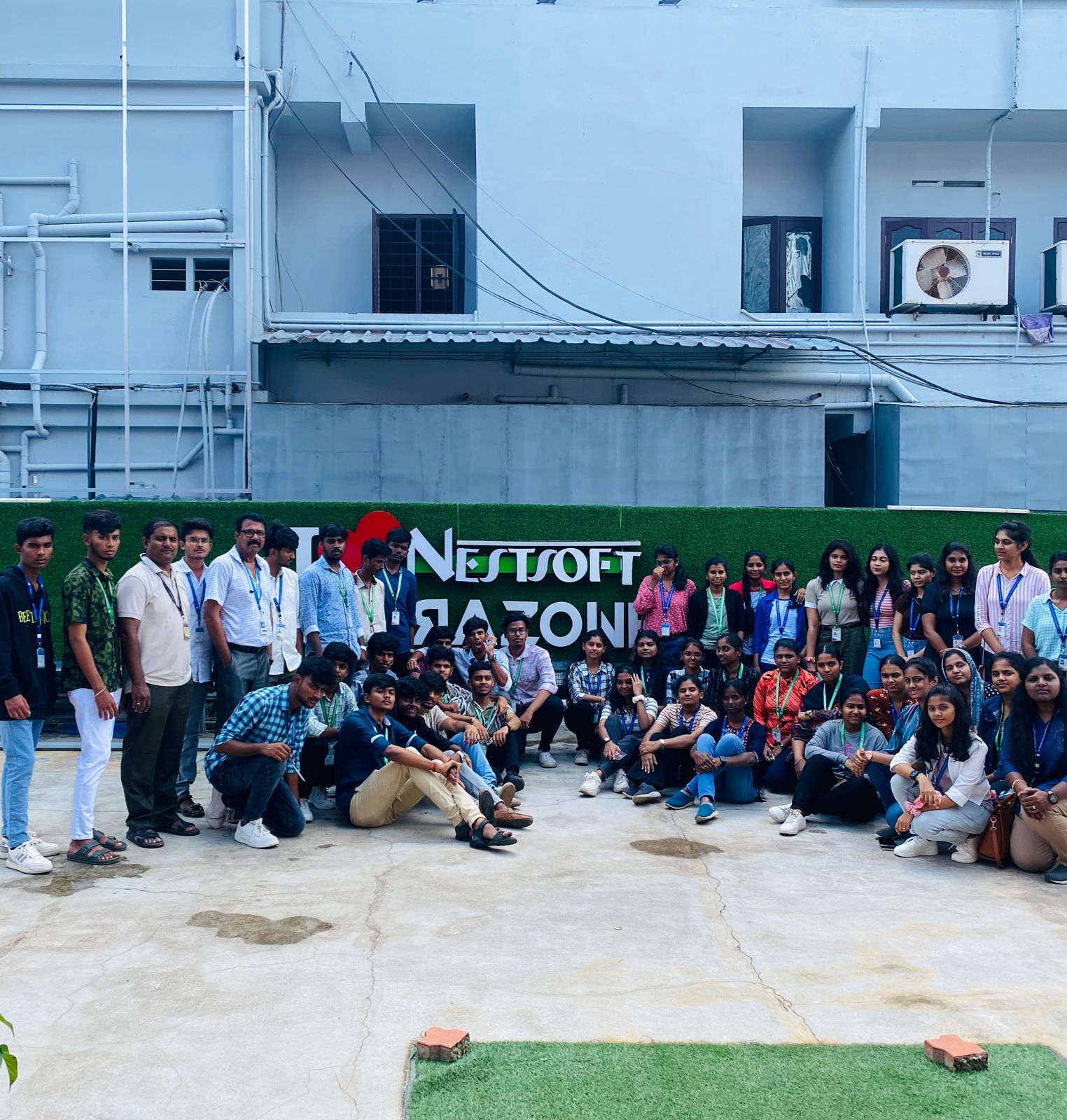
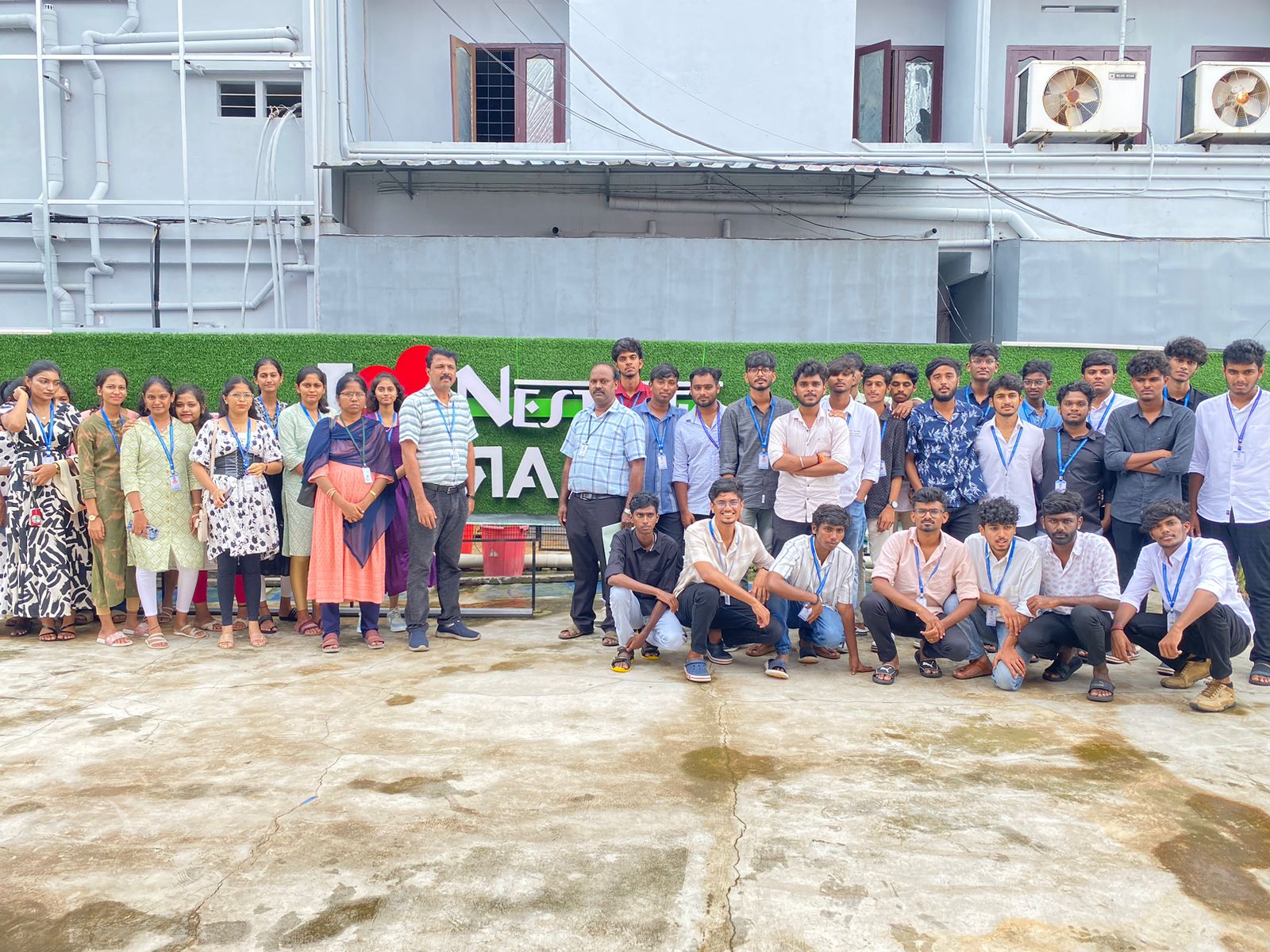
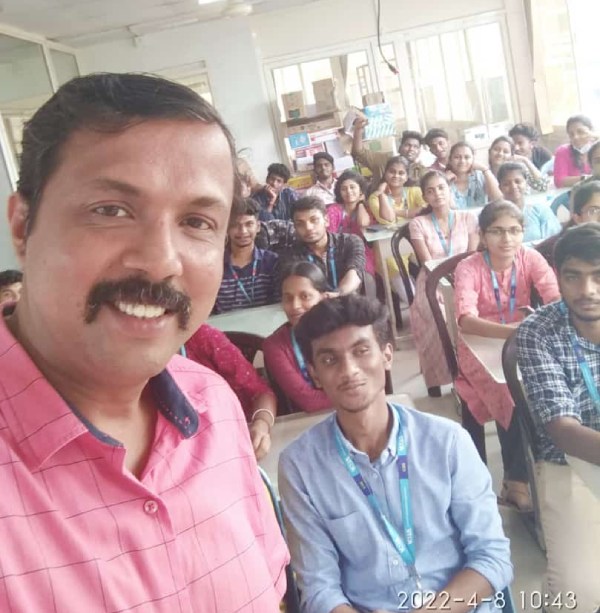
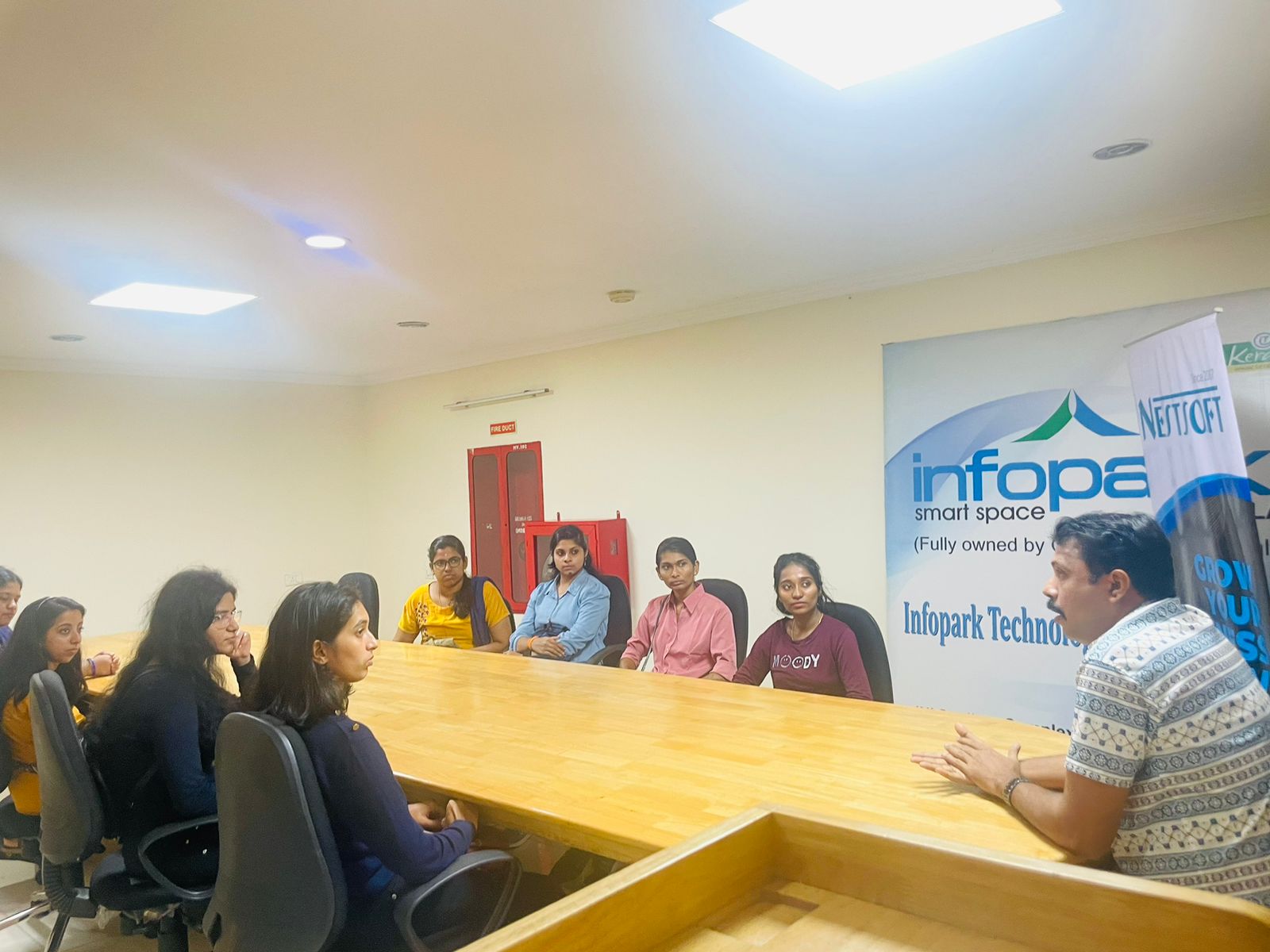
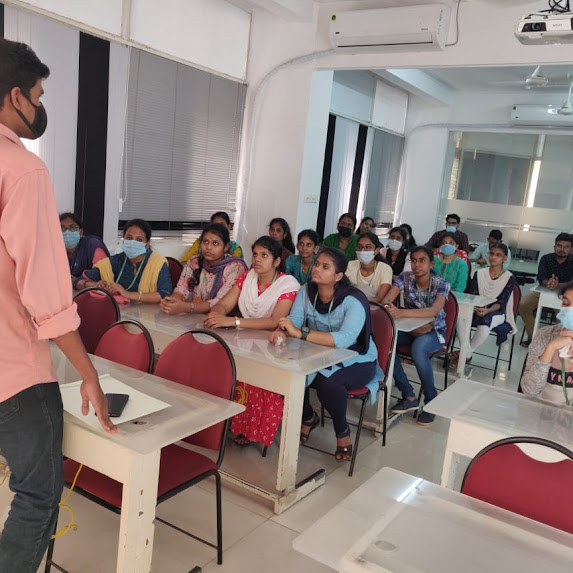
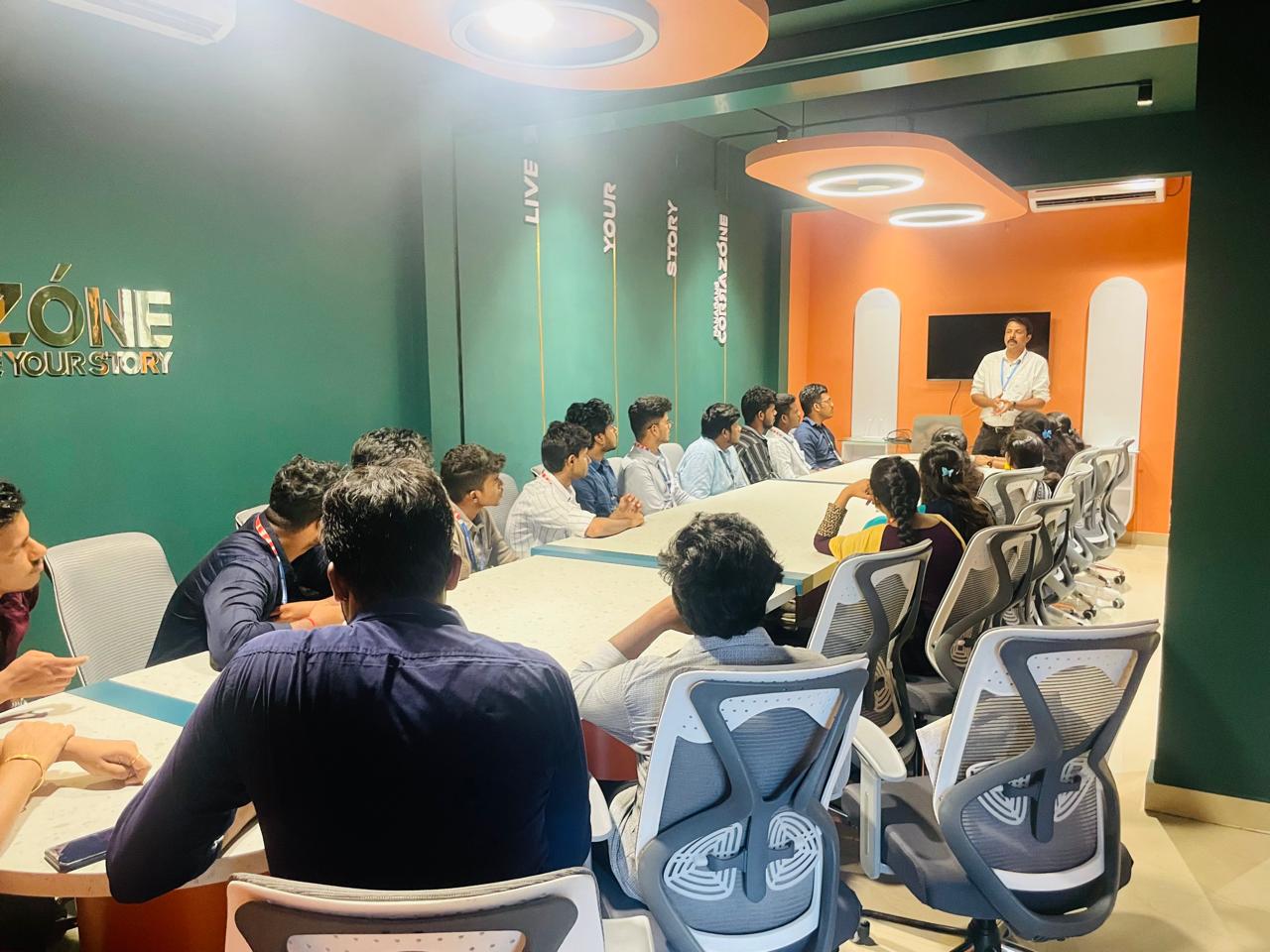
Photos of Training / Internships

Internship/projects in versailles

Trained more than 10000+ students who trust Nestsoft TechnoMaster

Get Your Personal Trainer