Send enquiry ⏎

Microsoft SharePoint Online Live Class by Experts

Our Training/Internship Process

Microsoft SharePoint Online Live Classes in Versailles | Free Demo Training

Microsoft SharePoint - Syllabus, Fees & Duration

Here's a detailed syllabus for Microsoft SharePoint covering fundamental to advanced topics:


Microsoft SharePoint Course Syllabus

Module 1: Introduction to Microsoft SharePoint

  • Overview of SharePoint – Features and Benefits
  • SharePoint as a Collaboration Platform
  • Understanding SharePoint Architecture
  • On-Premises vs SharePoint Online
  • SharePoint Editions and Licensing
  • Navigating the SharePoint User Interface

Module 2: SharePoint Sites and Site Collections

  • Understanding Site Collections and Subsites
  • Creating and Managing Site Collections
  • Types of SharePoint Sites (Team, Communication, Hub)
  • Configuring Site Settings and Navigation
  • Customizing Site Look and Feel
  • Creating and Managing Pages with Web Parts
  • Understanding SharePoint Home Site and Hub Sites

Module 3: SharePoint Lists and Libraries

  • Creating and Managing Lists (Custom Lists, Task Lists, Calendar)
  • Document Libraries – Features and Versioning
  • Metadata and Content Types
  • Creating and Managing Views and Filters
  • Working with Large Lists – Indexing and Performance Optimization
  • Using Lookup Columns and Relationships

Module 4: SharePoint Content Management

  • Understanding SharePoint Content Management System (CMS)
  • Document Versioning and Check-in/Check-out Features
  • Implementing Content Approval Workflows
  • Document Co-Authoring and Collaboration
  • Records Management and Compliance Policies
  • Managing Document Retention Policies
  • Using Document Sets for Organizing Content

Module 5: SharePoint Permissions and Security

  • SharePoint Security Model Overview
  • User Roles and Permission Levels
  • Creating and Managing Permission Groups
  • Site and Item-Level Security
  • External Sharing and Guest Access
  • Managing Access Requests and Invitations
  • Auditing and Monitoring Security

Module 6: SharePoint Workflows and Automation

  • Introduction to SharePoint Workflows
  • Automating Tasks with Power Automate (Microsoft Flow)
  • Creating and Customizing Workflows
  • Approval Processes and Notification Workflows
  • Using SharePoint Designer for Workflows
  • Integrating Power Automate with SharePoint

Module 7: SharePoint Integration and Customization

  • Integrating SharePoint with Microsoft 365 (Teams, OneDrive, Outlook)
  • Using PowerApps for Custom Forms
  • Introduction to SharePoint Designer
  • Customizing SharePoint with JSON and PowerShell
  • Developing Custom Web Parts and Extensions
  • Using REST API and JavaScript for Customizations

Module 8: SharePoint Administration

  • Central Administration Overview (For On-Premises)
  • Managing SharePoint Online Admin Center
  • Creating and Managing Subsites
  • Managing Quotas and Storage Limits
  • Monitoring and Troubleshooting Issues
  • Performing Backup and Restore in SharePoint
  • Using SharePoint Health Analyzer

Module 9: SharePoint Search and Business Intelligence (BI)

  • Configuring SharePoint Search
  • Search Optimization with Managed Metadata
  • Enterprise Search and Query Rules
  • Business Intelligence Features in SharePoint
  • Integrating Power BI with SharePoint
  • Creating Dashboards and Reports
  • Using SharePoint Excel Services

Module 10: Advanced SharePoint Topics (Optional)

  • SharePoint Hybrid Deployment and Migration
  • Introduction to SharePoint Framework (SPFx) for Developers
  • Customizing SharePoint with JavaScript and REST APIs
  • Enterprise Content Management (ECM)
  • Governance and Compliance Best Practices
  • Performance Tuning and Optimization

Hands-On Projects and Real-Time Scenarios

  • Setting up a SharePoint Team Site for an Organization
  • Implementing a Document Approval Workflow
  • Integrating SharePoint with Microsoft Teams and PowerApps
  • Creating Custom SharePoint Dashboards with Power BI
  • Developing a Custom Web Part for SharePoint Online

Download Syllabus - Microsoft SharePoint
This syllabus is not final and can be customized as per needs/updates
   
10000+
20+
50+
25+

Microsoft SharePoint Jobs in Versailles

Enjoy the demand

Find jobs related to Microsoft SharePoint in search engines (Google, Bing, Yahoo) and recruitment websites (monsterindia, placementindia, naukri, jobshybrid.com, indeed.co.in, shine.com etc.) based in Versailles, chennai and europe countries. You can find many jobs for freshers related to the job positions in Versailles.

  • SharePoint Administrator
  • SharePoint Developer
  • SharePoint Architect
  • SharePoint Consultant
  • SharePoint Business Analyst
  • SharePoint Support Engineer
  • SharePoint Content Manager
  • SharePoint Workflow Specialist
  • SharePoint Project Manager
  • SharePoint Trainer

Microsoft SharePoint Internship/Course Details

Microsoft SharePoint internship jobs in Versailles
Microsoft SharePoint Whether you are an IT professional, business analyst, or developer, this course will guide you through creating and managing SharePoint sites, configuring document libraries, implementing workflows using Power Automate, and customizing SharePoint using PowerApps, JSON, and REST APIs. By the end of the training, you will be able to build, manage, and automate SharePoint solutions efficiently, enhancing organizational productivity. The Microsoft SharePoint Course by Nestsoft Technomaster provides expert-led training to help professionals master SharePoint's core functionalities, including site and content management, permissions, security, workflows, and integration with Microsoft 365 applications like Teams, OneDrive, and Outlook. This hands-on training program covers both SharePoint Administration and Development, equipping learners with real-world skills to manage enterprise content effectively. With live interactive sessions, industry-relevant projects, and placement assistance, this course ensures you gain the practical expertise needed to excel in SharePoint-related roles. Microsoft SharePoint is a powerful platform designed for seamless collaboration, document management, and workflow automation, making it an essential tool for businesses worldwide. Enroll now and boost your career with expert SharePoint training! 🚀.


Meet a Few of our Industry Experts 🚀 Your Pathway to IT Career

Falah

Mobile: +91 8301010866
Location: Online (Versailles, France)
Qualification: Diploma

Experience: Iam very good in Web design &developing  more..

Shubham

Mobile: +91 98474 90866
Location: Online (Versailles, France)
Qualification: Bse Graduate

Experience: I have total 3 year and 9 month of experience in both manual and automation testing   more..

MEERALAKSHMI

Mobile: +91 94975 90866
Location: Online (Versailles, France)
Qualification: Btech

Experience: Programming languages like C java python coding skills Mysql DBMs Data structure and algorithms SDLC  more..

SUMI

Mobile: +91 9895490866
Location: Online (Versailles, France)
Qualification: Mtech

Experience: Fresher in testing field Completed software testing course(manual automation) and looking for testing related job  more..

Vishal

Mobile: +91 98474 90866
Location: Online (Versailles, France)
Qualification: b.tech

Experience: avaScript react js redux js Redux Toolkit redux-saga react hooks cypress react native es6 dnd mobex Apollo next js storybook  more..

Anil

Mobile: +91 98474 90866
Location: Online (Versailles, France)
Qualification: B.tech cse

Experience: Fullstack - Node js express js mongodb react js javascript tailwind css html git DBMS MySQL postman RESTFUL apis phyton  more..

Shraddha

Mobile: +91 91884 77559
Location: Online (Versailles, France)
Qualification: Bacholer of computer engineering

Experience: I have good knowledge of cyber security and ethical Hacking I have also done internship in cyber security and Ethical  more..

Jobins

Mobile: +91 98474 90866
Location: Online (Versailles, France)
Qualification: MCA

Experience: Problem solving leadership communication advanced analytical thinking programming Team work Adaptability knowledge in user interface Additional skills in programming language  more..

rohini

Mobile: +91 98474 90866
Location: Online (Versailles, France)
Qualification: M. Sc. I. T

Experience: C# sql javascript- jquery asp Net wcf html css azure  more..

Prasanna

Mobile: +91 98474 90866
Location: Online (Versailles, France)
Qualification: B.E

Experience: I have been Working for the past two years in illustration trainer job I have good knowledge for Adobe illustrator  more..

sneha

Mobile: +91 9895490866
Location: Online (Versailles, France)
Qualification: Bca

Experience: Can teach code org scratch python basics java html SQL Oracle sql-11g plsql oracle  more..

GAYATRI

Mobile: +91 91884 77559
Location: Online (Versailles, France)
Qualification: B.Tech(pursuing)

Experience: Skills:-java web development Experience:-0  more..

shanid

Mobile: +91 91884 77559
Location: Online (Versailles, France)
Qualification: bca

Experience: angular mongodb express node html git Application for Node JS  more..

Souvick

Mobile: +91 91884 77559
Location: Online (Versailles, France)
Qualification: Doctorate

Experience: Problem Solving Business development Leadership coaching Analysis Optimization  more..

Arun

Mobile: +91 8301010866
Location: Online (Versailles, France)
Qualification: BE(ECE)

Experience: Basically I am Android and web developer and I have more than 7 months of work experience if you think  more..

vrushti

Mobile: +91 89210 61945
Location: Online (Versailles, France)
Qualification: currently pursuing bachelors in computer engineering

Experience: learnt about how to configured fortinet next generation firewall at Beekayit net sec solutions pvt ltd Ahmedabad  more..

TARUNKUMAR

Mobile: +91 91884 77559
Location: Online (Versailles, France)
Qualification: B.E-ECE

Experience: python java Networking HTML CSS JavaScript React js Node js AWS  more..

Manas

Mobile: +91 94975 90866
Location: Online (Versailles, France)
Qualification: MCA

Experience: As a MERN Stack Developer I have worked on various projects using react redux nodejs mongo db css html bootstrap  more..

Prakash

Mobile: +91 89210 61945
Location: Online (Versailles, France)
Qualification: BSc and MSc in Visual Communication

Experience: 4 year industry experience in Graphic design  more..

Baskar

Mobile: +91 8301010866
Location: Online (Versailles, France)
Qualification: Mca

Experience: My total experience 8 years I have developed most web application and website Mostly i have used Codeigniter and laravel  more..

Dheeraj

Mobile: +91 8301010866
Location: Online (Versailles, France)
Qualification: B.Sc. Information Technology

Experience: As a seasoned Java Developer I bring a diverse skill set and a proven track record of success in designing  more..

John

Mobile: +91 8301010866
Location: Online (Versailles, France)
Qualification: BCA

Experience: Ceh networking networking security  more..

Ankita

Mobile: +91 9895490866
Location: Online (Versailles, France)
Qualification: BE

Experience: Automation testing and manual testing   more..

Ananthu

Mobile: +91 98474 90866
Location: Online (Versailles, France)
Qualification: Bca

Experience: Manual tester sql test case development test scenario agile methodology   more..

Success Stories

The enviable salary packages and track record of our previous students are the proof of our excellence. Please go through our students' reviews about our training methods and faculty and compare it to the recorded video classes that most of the other institutes offer. See for yourself how TechnoMaster is truly unique.

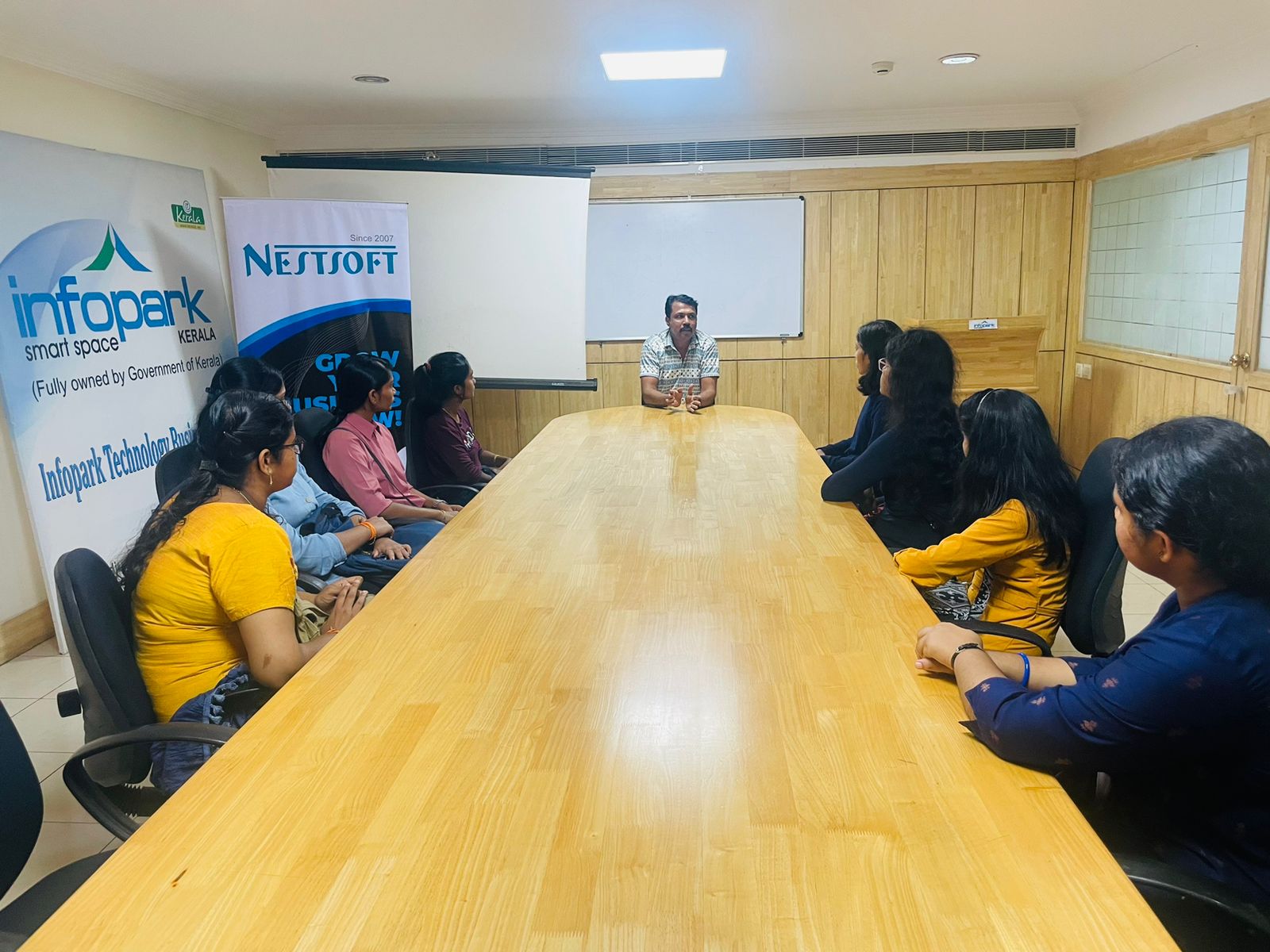
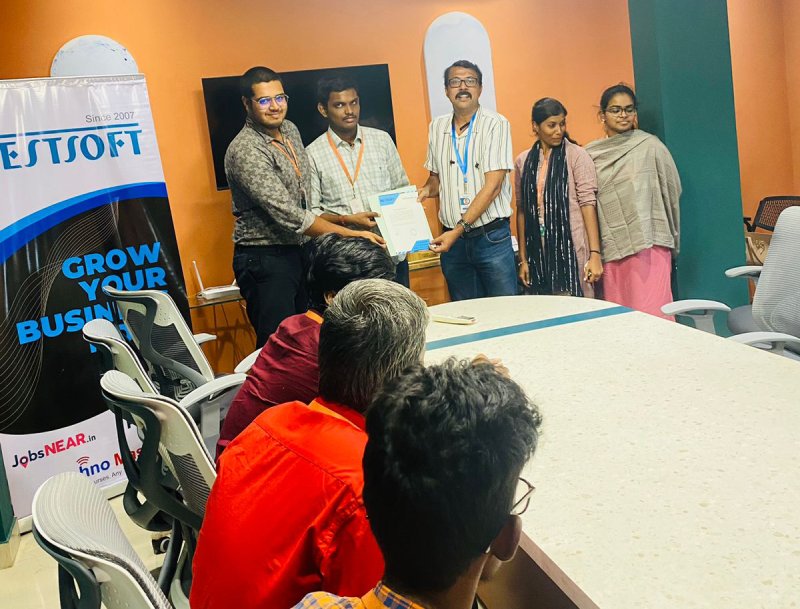
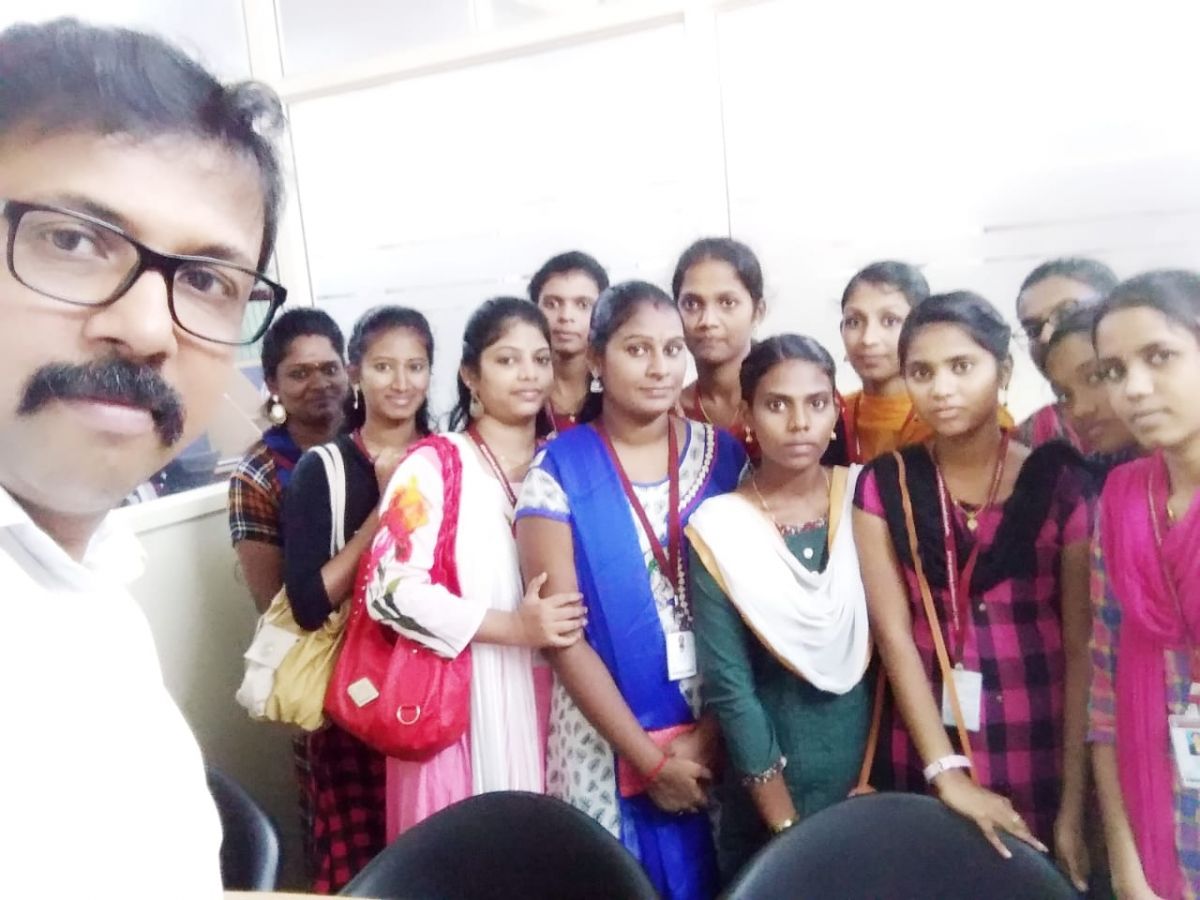
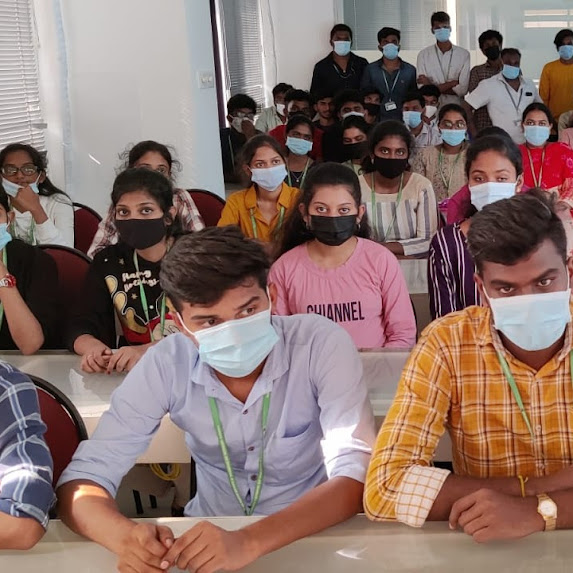
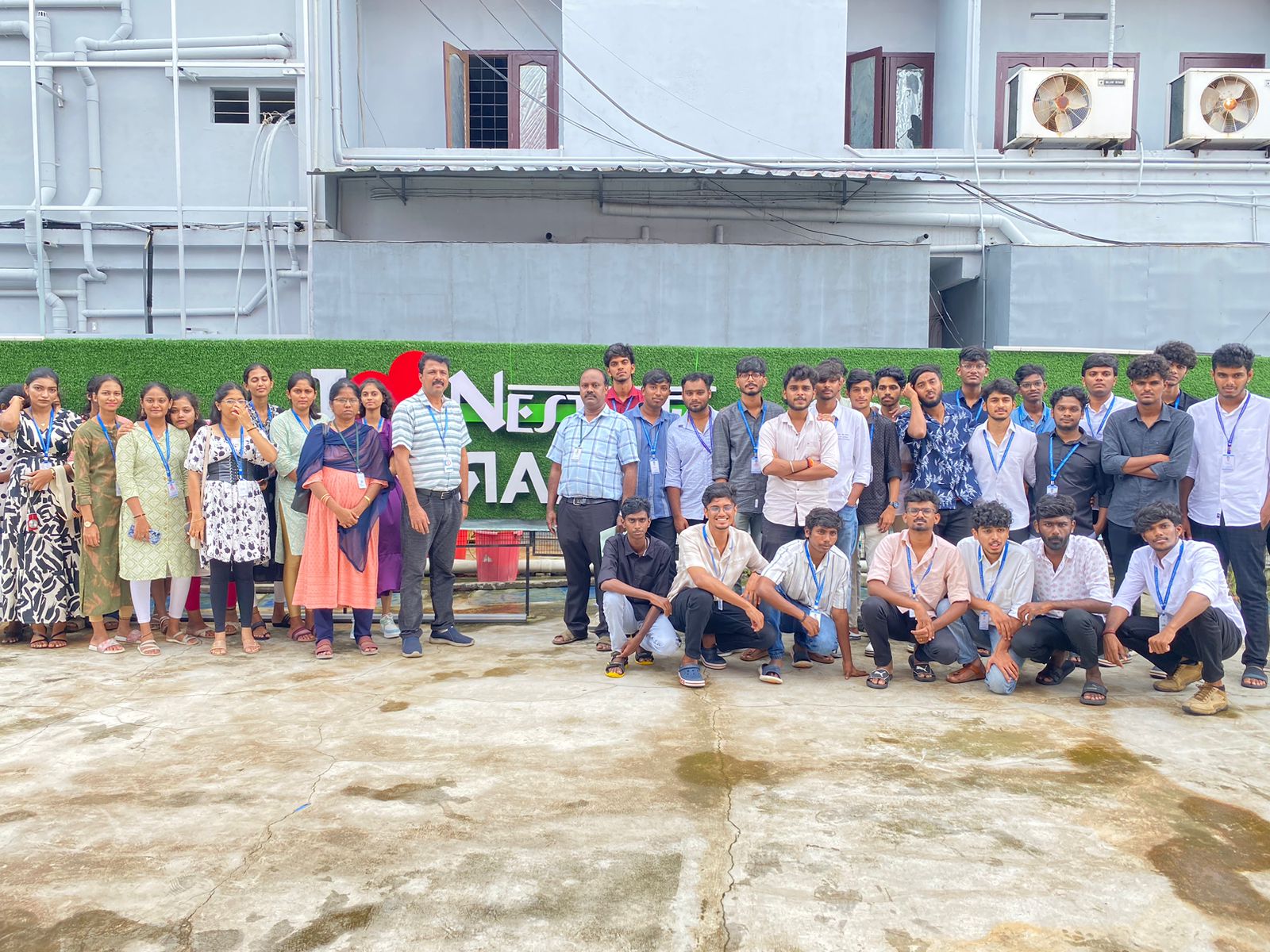
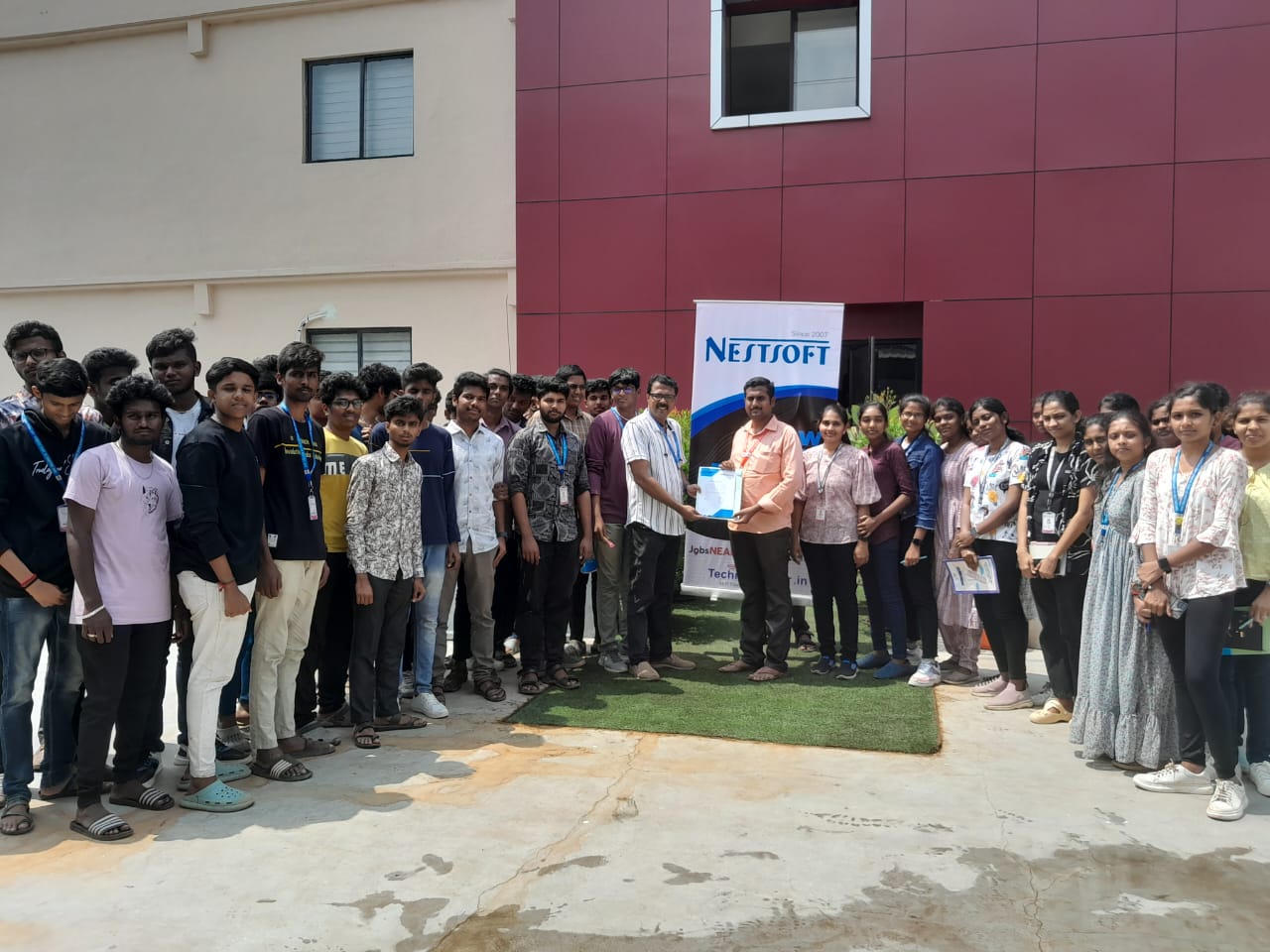
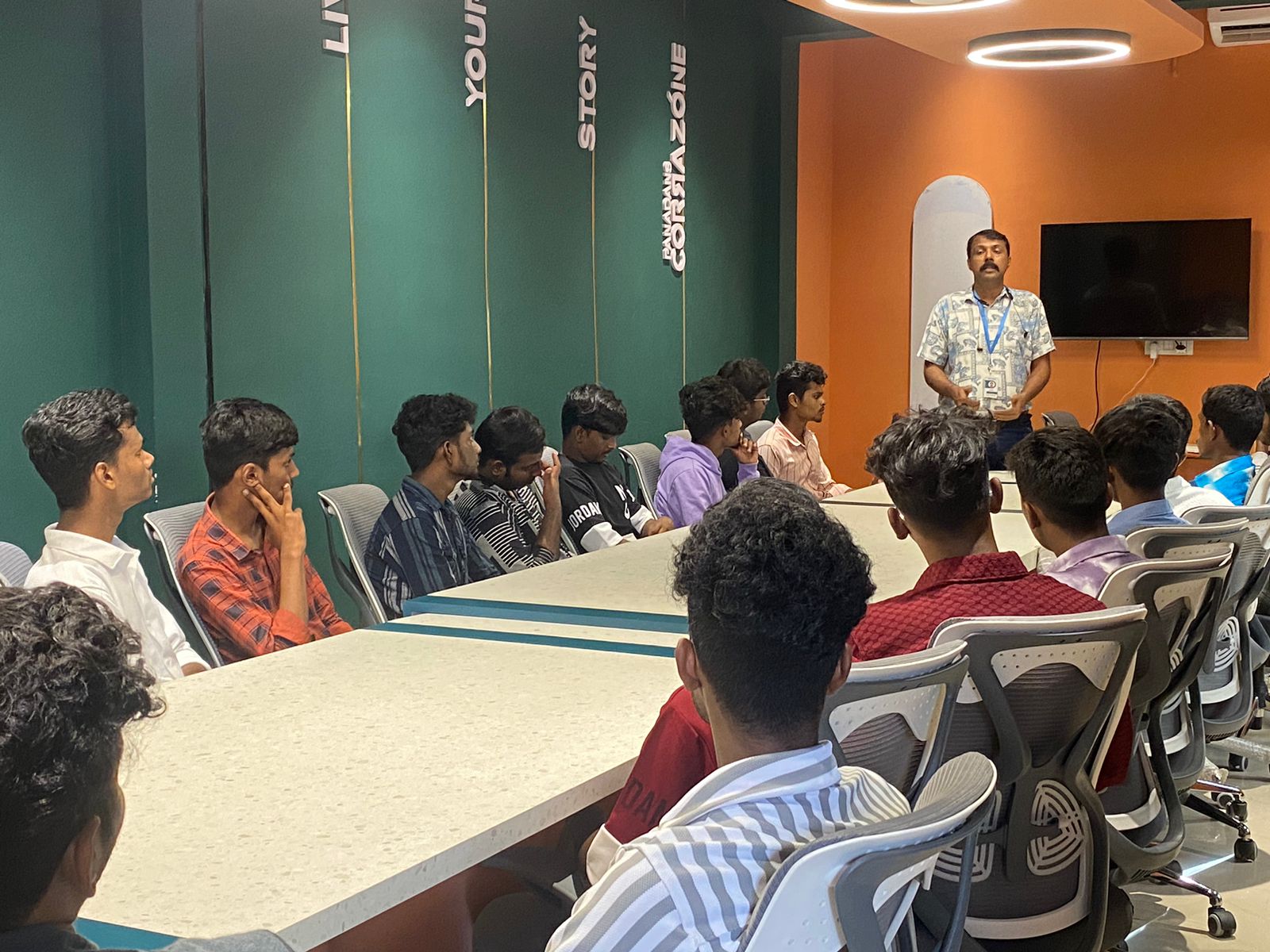
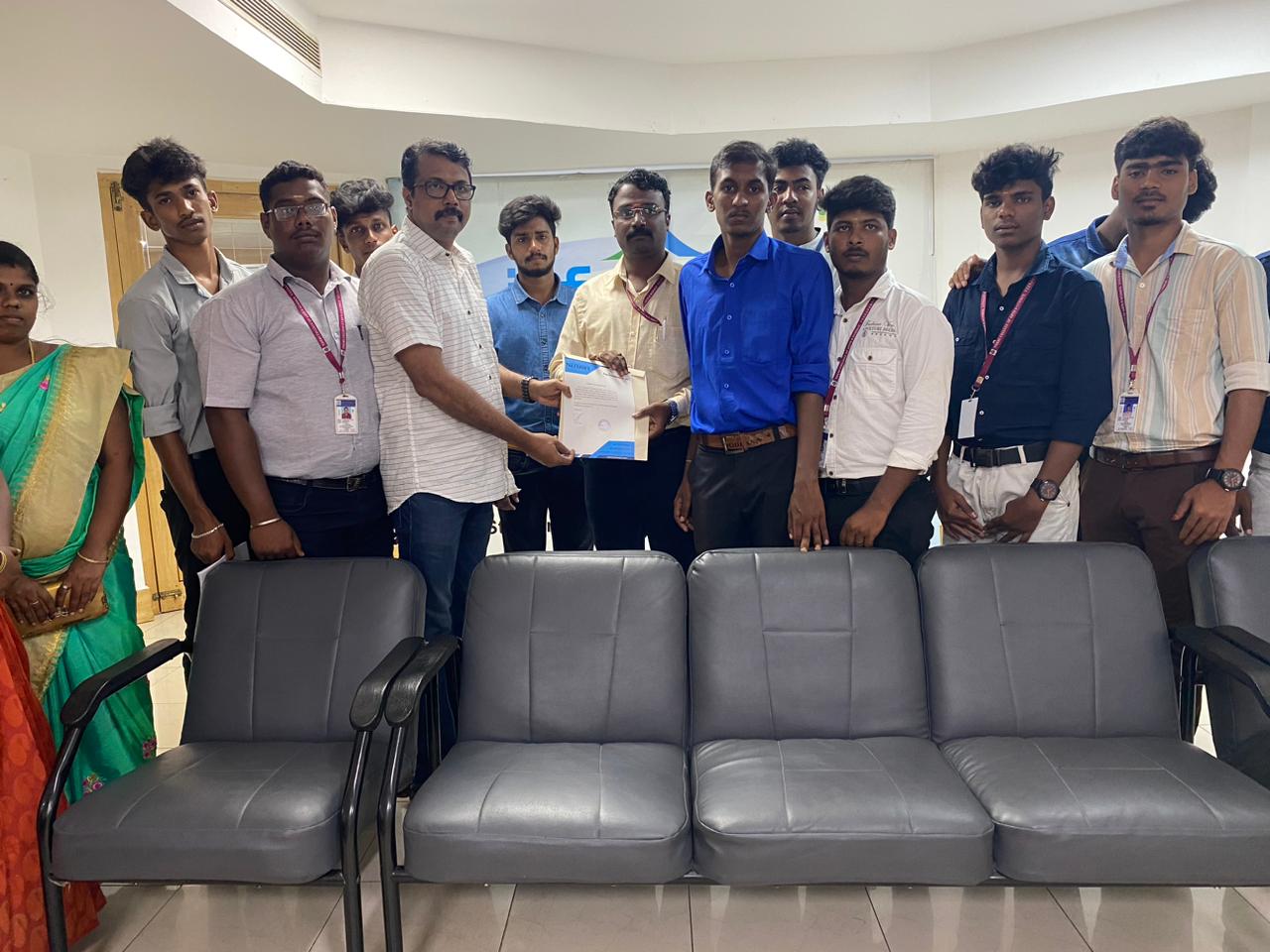
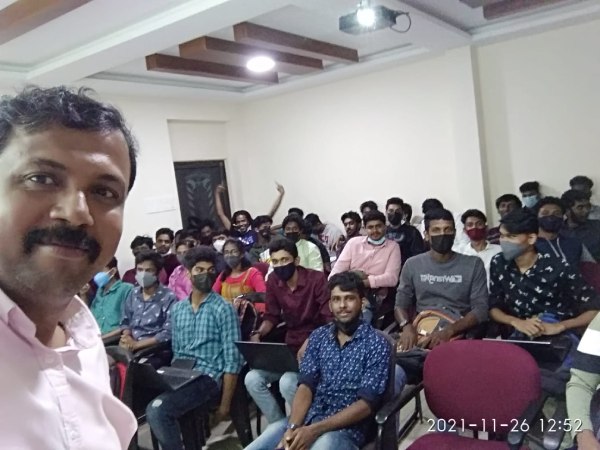
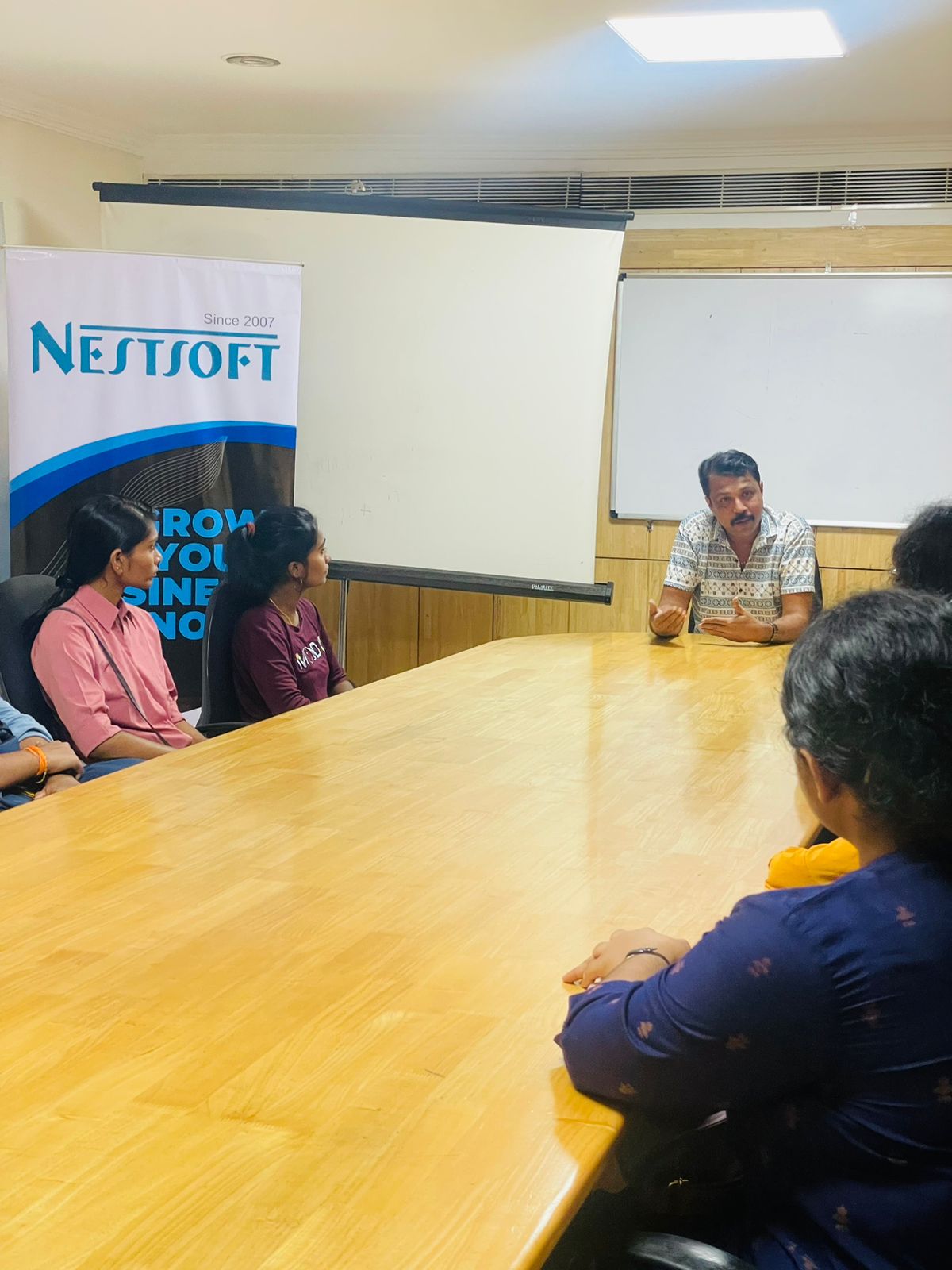
Photos of Training / Internships

Internship/projects in versailles

Trained more than 10000+ students who trust Nestsoft TechnoMaster

Get Your Personal Trainer